Natural-looking cleanup
Remove Matcha
Filter
Reduce a visible green cast, excess grain, flat contrast, and mild softness while keeping the existing photo or video recognizable.
Explore removerFor the Matcha visual trend
Apply the viral Matcha look to a photo for free in your browser, then explore a separate path for reducing a saved effect.
Start with the look
Upload a JPG, PNG, or WebP photo, pick a cover, adjust its strength, and download the result without sending your image to a server.
Choose a photo to continue.
Your photo is processed locally in this browser. Nothing is uploaded, and the PNG download has no watermark.
A quick answer
The Matcha Filter is a social-media look with olive-green color, soft contrast, grain, and a creamy or liquid-like finish. It appears in both photos and short videos, especially around TikTok-style trend posts.
Two clear directions
Natural-looking cleanup
Reduce a visible green cast, excess grain, flat contrast, and mild softness while keeping the existing photo or video recognizable.
Explore removerA trend-ready finish
Build a Matcha-inspired visual direction with olive tone, texture, and a restrained liquid finish — not just a green overlay.
Try the lookVisual direction
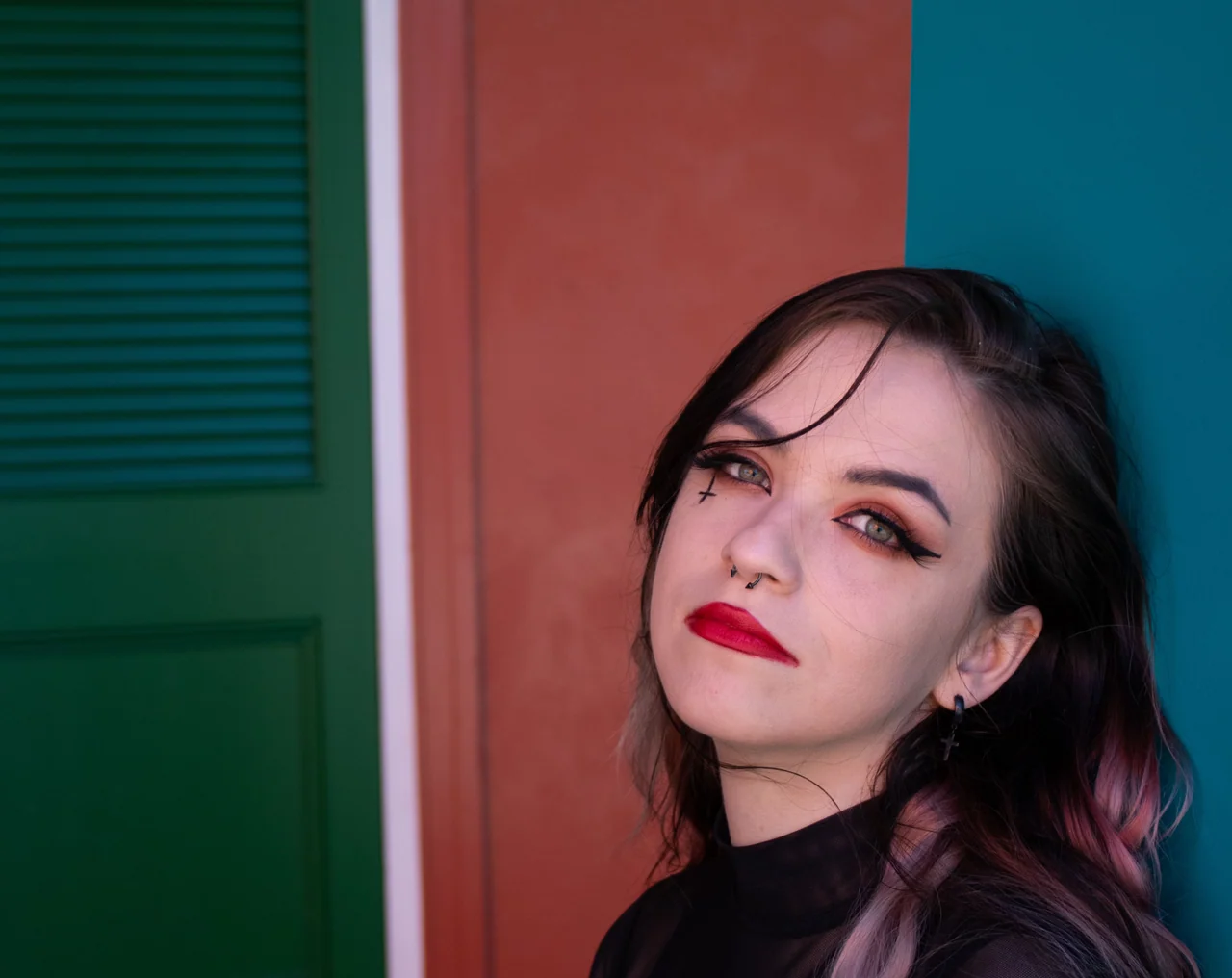
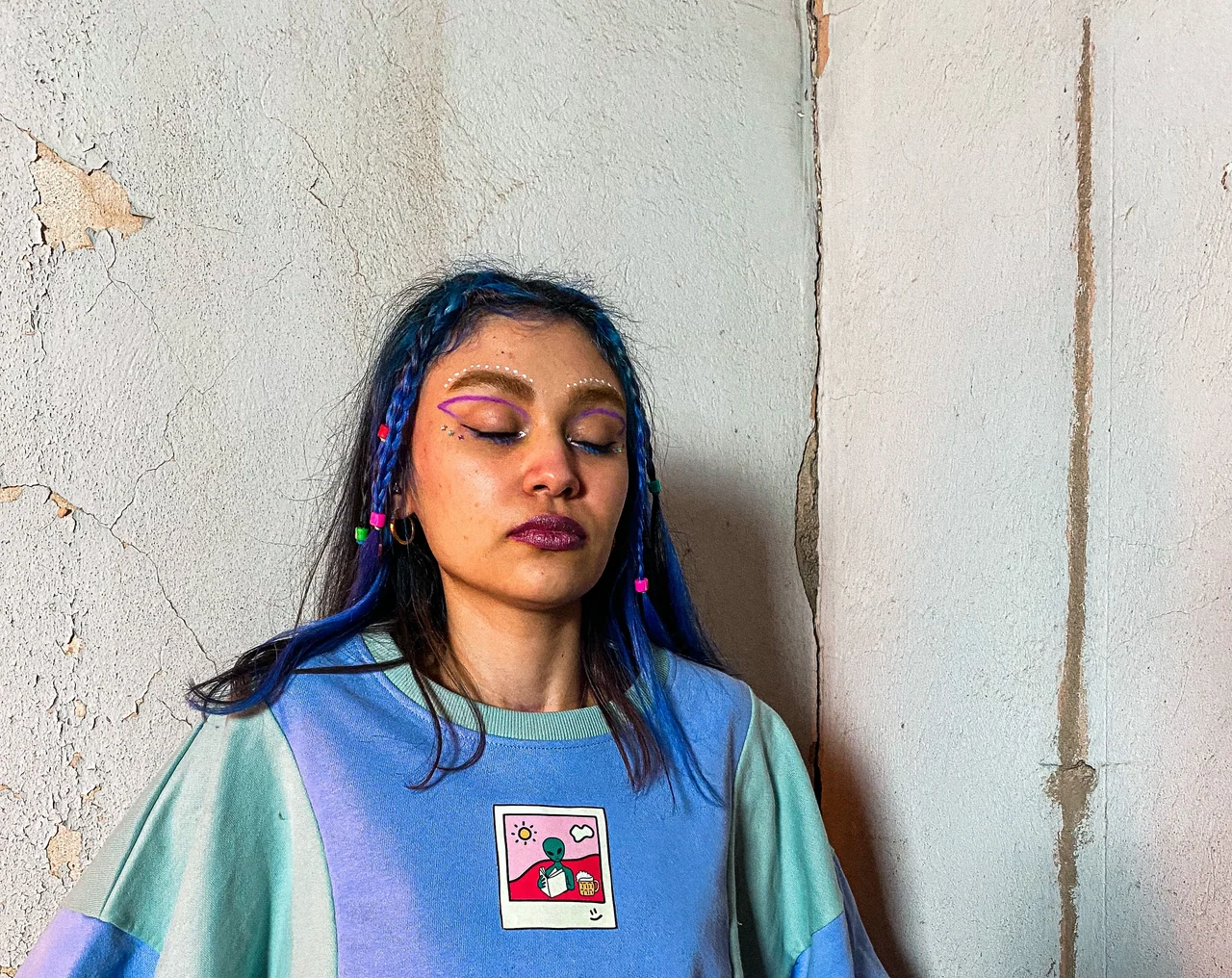
These paired examples use the same source photos and their saved Matcha-style outputs from our free photo workflow.
Made for the feed
The Matcha trend moves between selfies, group shots, pet photos, and short clips. This first free release creates and downloads photo results locally; video processing remains a separate future workflow.
How it works
Pick a JPG, PNG, or WebP image up to 10 MB. Your selected file stays in your browser.
Choose Light Cover, Liquid Cover, or Opaque Cover, then set the strength you want.
The filter runs locally in your browser. Preview the result and download a PNG with no watermark.
Straight answers
We describe visual cleanup honestly: no tool can uncover information that is no longer visible in the original media.
Matcha Filter is a social-media look built around olive-green color, grain, softened contrast, and a creamy or liquid-like finish. It is associated with short-form photo and video trends.
Upload a JPG, PNG, or WebP photo, choose Light Cover, Liquid Cover, or Opaque Cover, adjust the strength, then preview and download the Matcha-style result in your browser.
Open Remove Matcha Filter, choose a photo or short video, and use a preset plus color, grain, and detail controls to make the visible look more natural.
No. Reducing a visible color cast or grain can make media look more natural, but an effect cannot restore pixels, facial details, or geometry that were replaced, painted over, hidden, or removed.
No. Matcha Filter tools should never claim to reveal censored, hidden, deleted, or painted-over content.
No. Matcha Filter is an independent online tool for creating or reducing a similar visual style. It is not affiliated with TikTok.
Pick your path