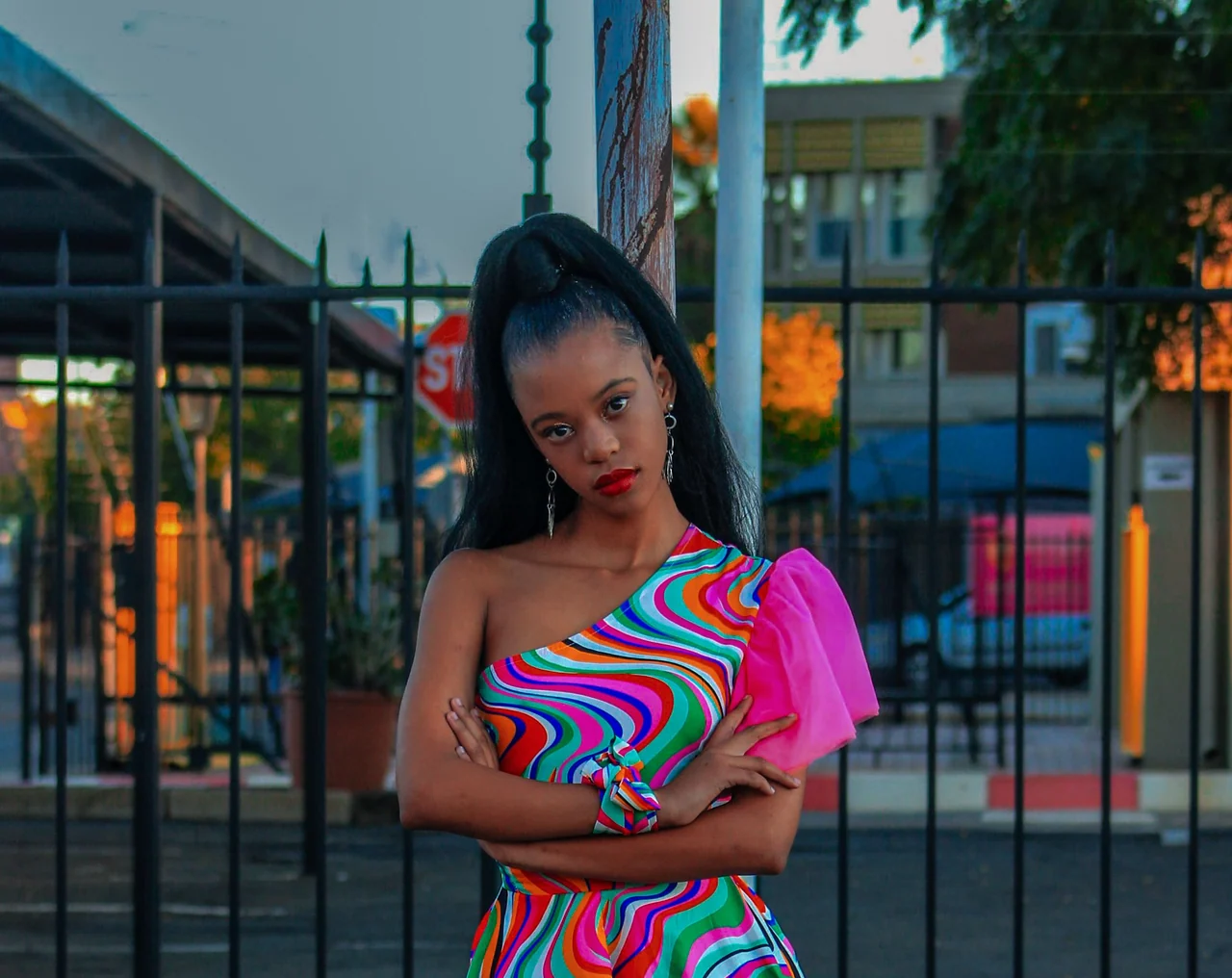
Selfie and portrait
Reduce a strong green tint so skin tone and existing features look more natural.
Matcha Filter Remover
Reduce the visible Matcha look from photos and short videos. Start with a natural-looking preset, then refine color, grain, and detail.
A clearer look is possible. Exact original pixels are not.
Made for visible color and texture cleanup — never for hidden-content recovery.
Choose a file to continue.
Your request is waiting for the processing service. Your file has not been uploaded.
This early release validates and previews files locally. It does not create a result, download a file, or claim to restore hidden details.
Before and after
A remover works best when the Matcha styling is still visible as tint, grain, contrast, or mild softness. It cannot recreate details that an effect replaced.
Honest boundaries
Matcha Filter Remover is designed as best-effort cleanup for what remains visible in a photo or video.
Where it helps
Video removal is a priority because related search demand is strongly focused on filter removal from short-form video.
Reduce a strong green tint so skin tone and existing features look more natural.
Make a saved trend frame easier to reuse without overstating recovery.
Prepare a clip for the same visual cleanup flow without changing its intended duration.
How to remove Matcha Filter
Pick a supported photo or short video. Your selected file stays in your browser in this release.
Start with a natural-looking preset, then adjust color, grain, and visible detail.
The Remover processing service is not connected yet, so this page does not create a result or download.
FAQ
We state the practical limit up front: visible styling can be reduced, but hidden information cannot be recovered.
Choose a photo or short video, select a natural-looking preset, and set the color, grain, and detail controls for the cleanup you want. This page currently keeps the request in a cancellable processing state rather than creating a result.
Yes, the intended workflow supports short MP4, MOV, and WebM clips. Video processing is not live in this first release, so the page currently validates the file and keeps the request in a processing state.
It is designed to reduce visible olive or yellow-green tint, excessive grain, flattened contrast, and mild softness while keeping the existing subject and composition.
No. Reducing a visible color cast or grain can make media look more natural, but an effect cannot restore pixels, facial details, or geometry that were replaced, painted over, hidden, or removed.
No. Matcha Filter tools should never claim to reveal censored, hidden, deleted, or painted-over content.
No. Matcha Filter is an independent online tool for creating or reducing a similar visual style. It is not affiliated with TikTok.
Want the look?